Draw quickly. Keep every point precise.
Drag with Apple Pencil or a finger to draw a straight seam. It extends to the line it meets and snaps to seam ends, crossings, the grid, or 15° angles.
FPP PATTERN DESIGN FOR IPAD
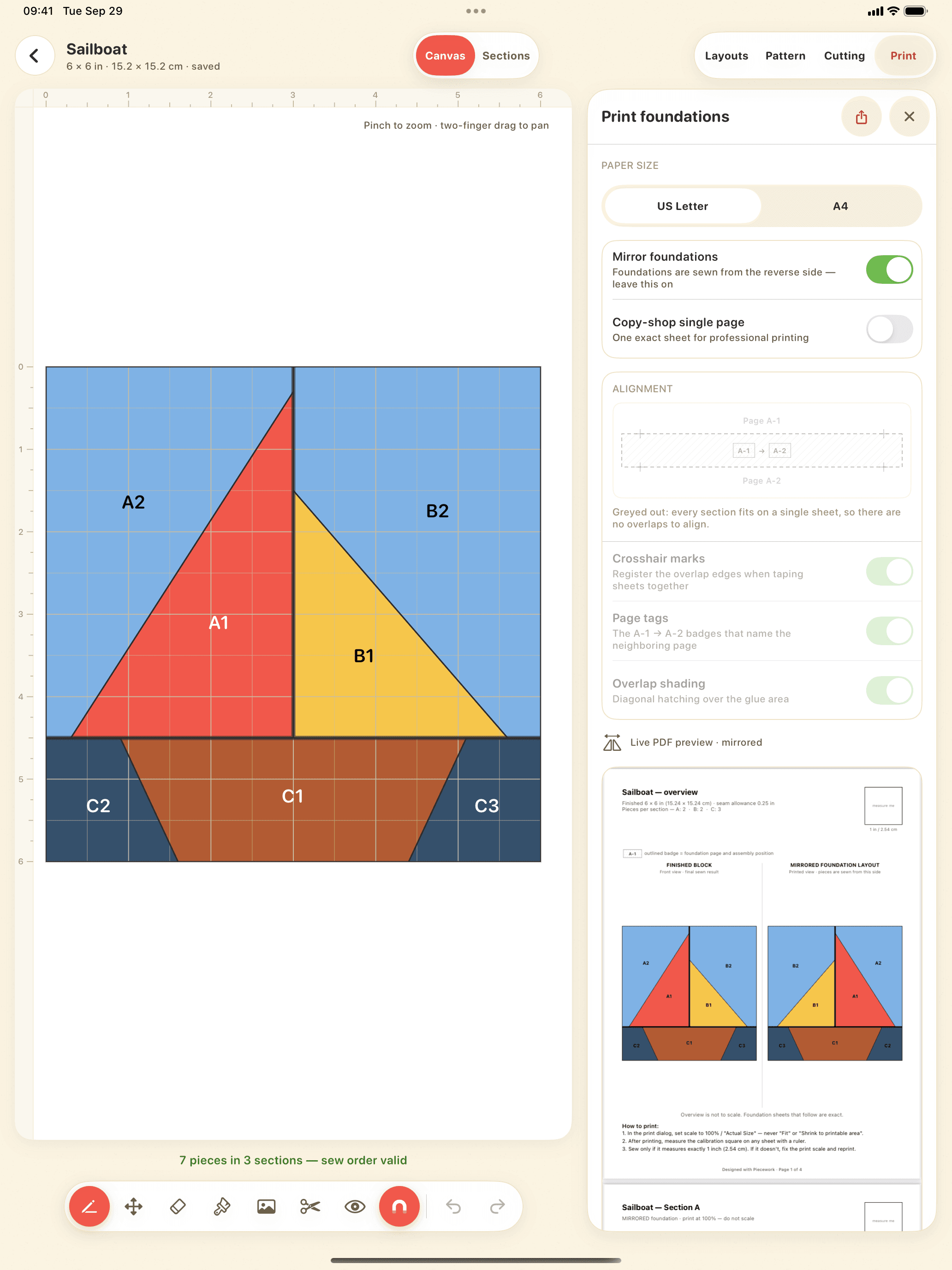
Draw straight seams with Apple Pencil. Piecework groups them into sewable sections, numbers every piece in sew order, and turns your design into mirrored, true-size foundations ready to print.
Confirm by email Free to join iPadOS 18+ Works offline
Made with Piecework
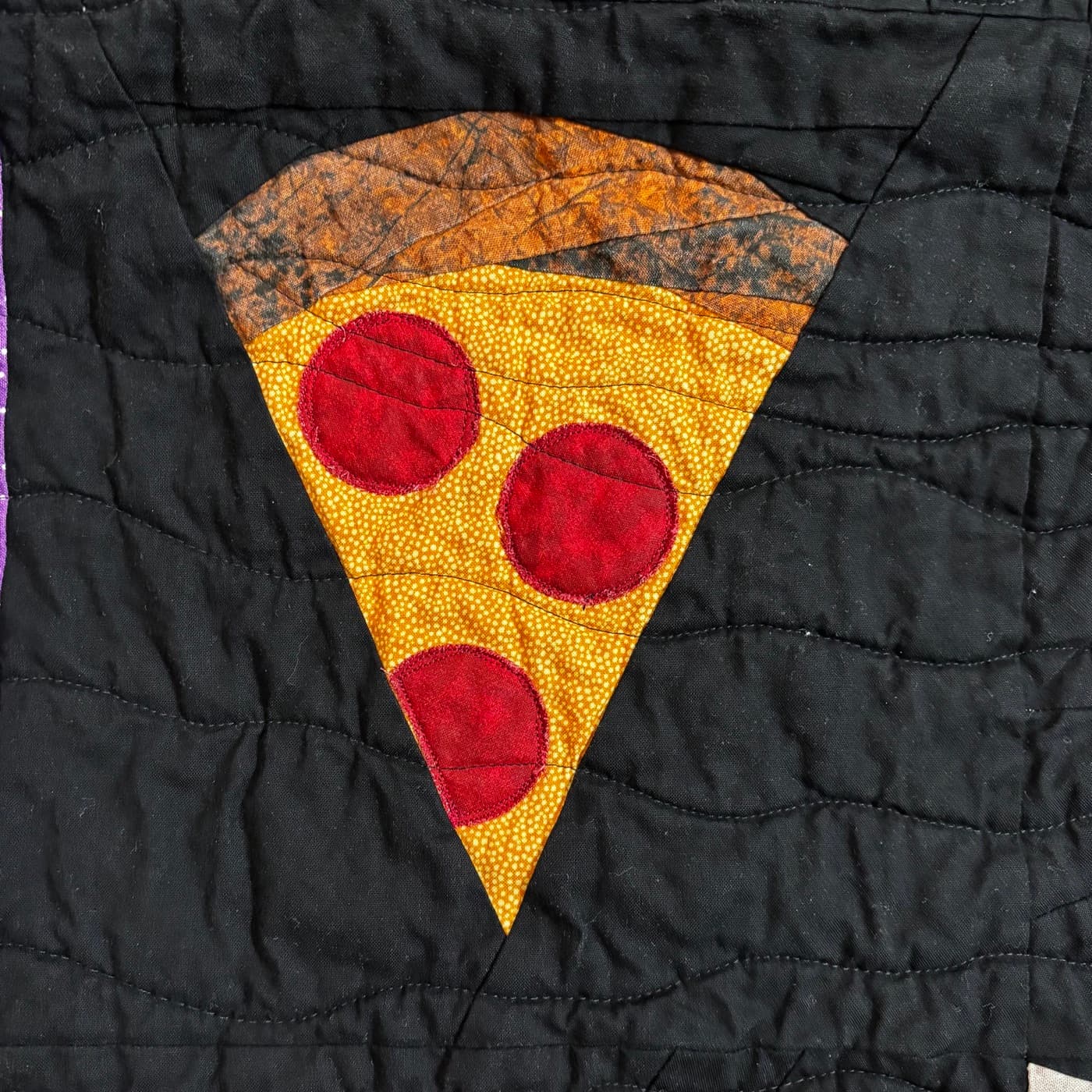
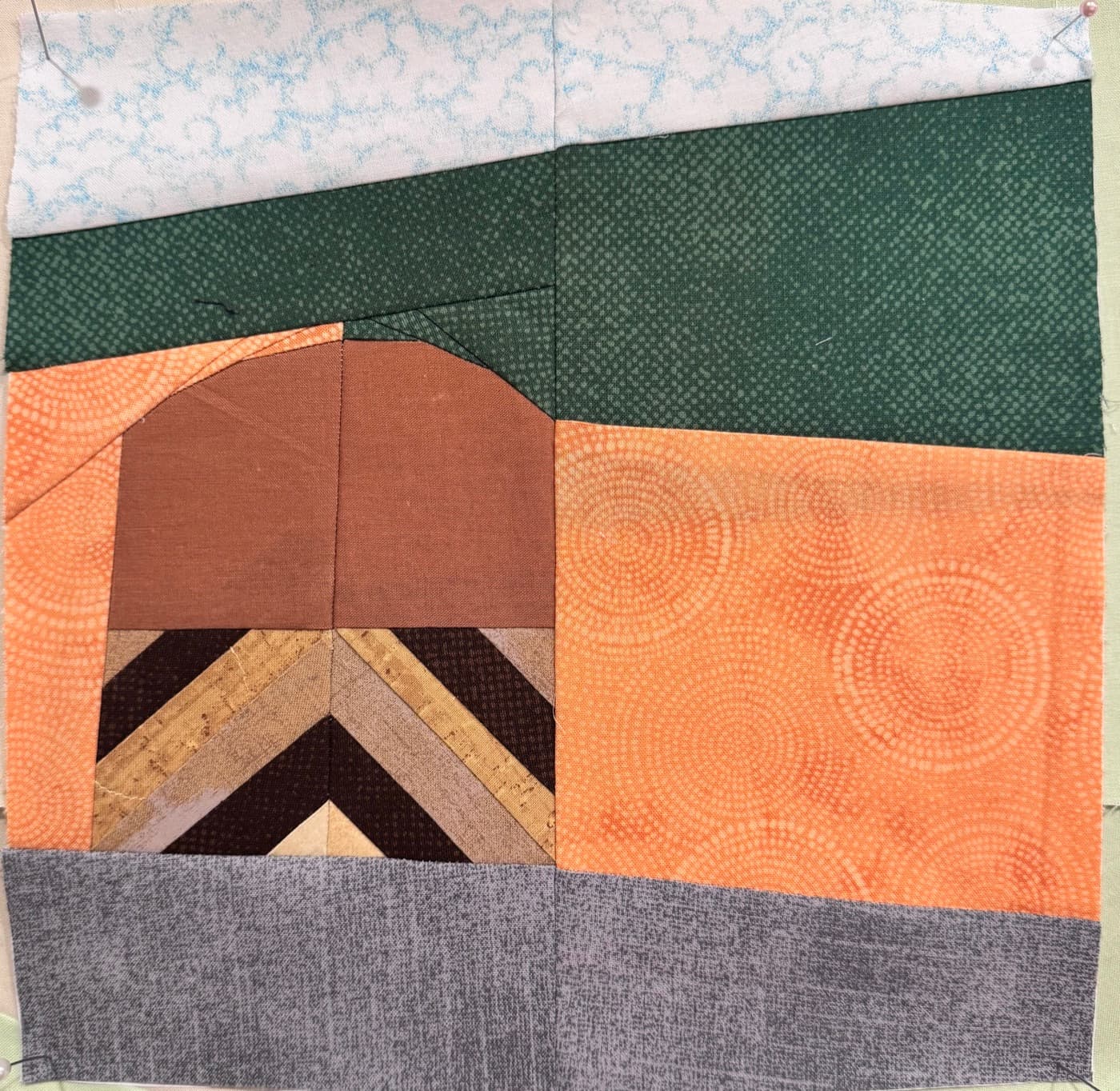
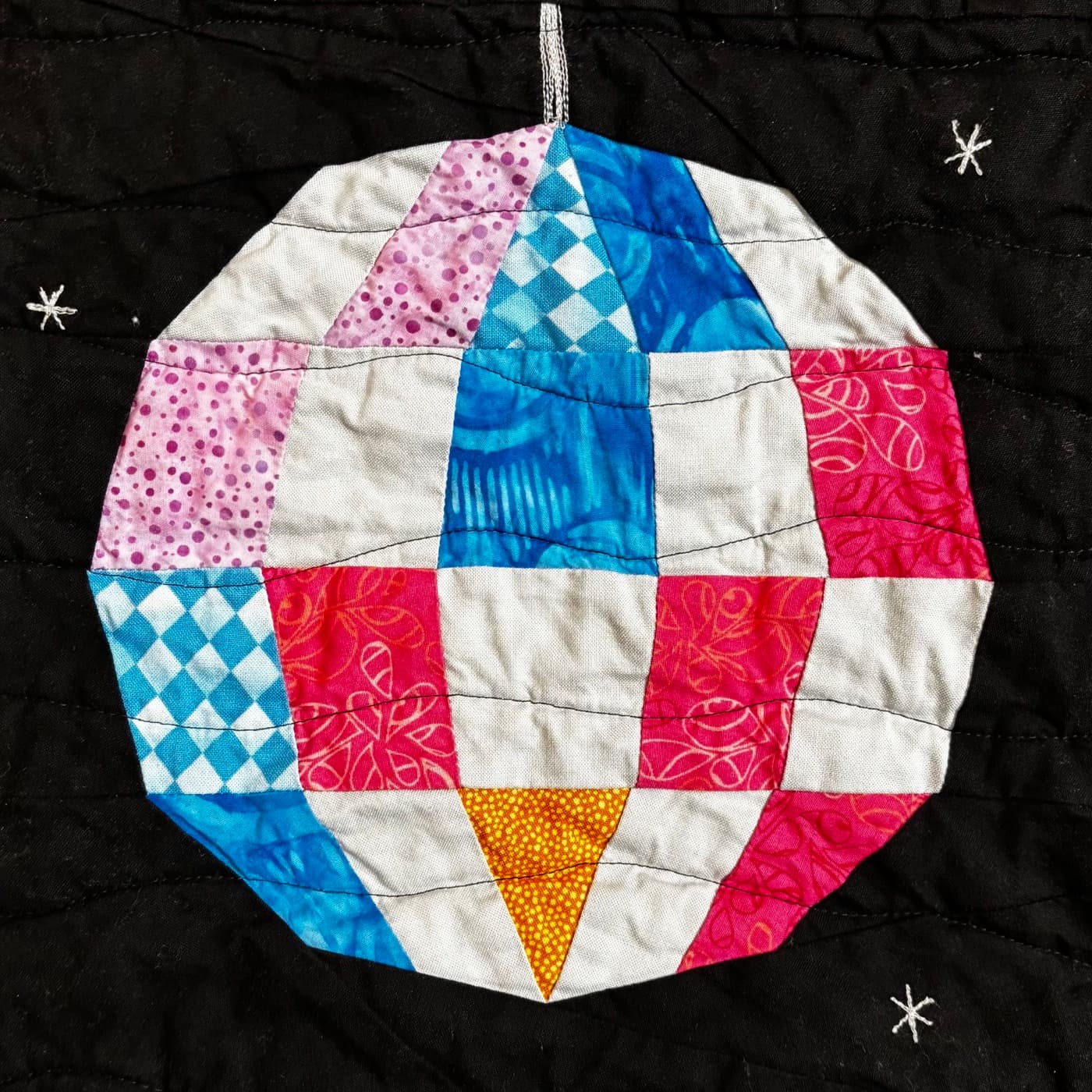
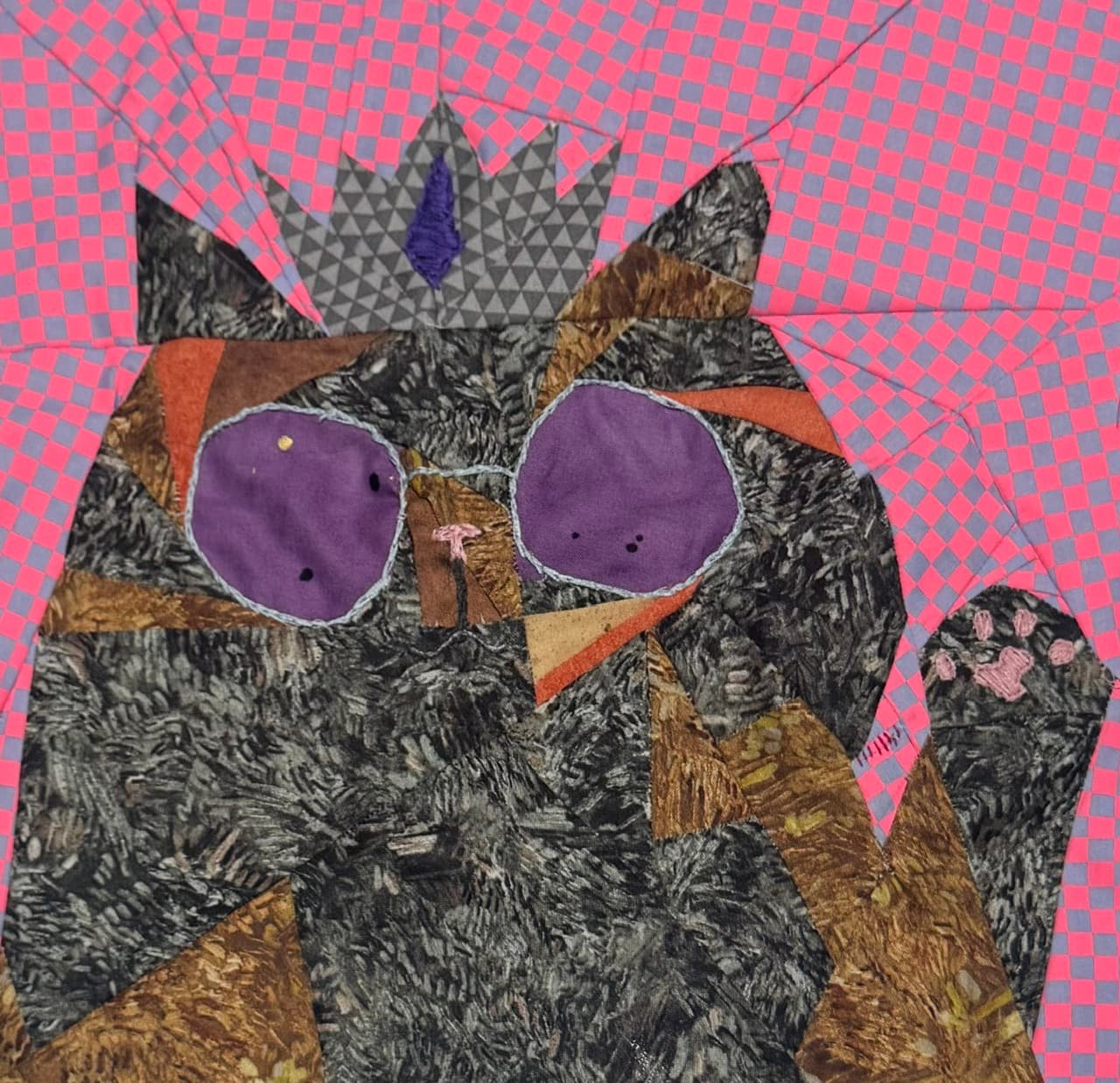
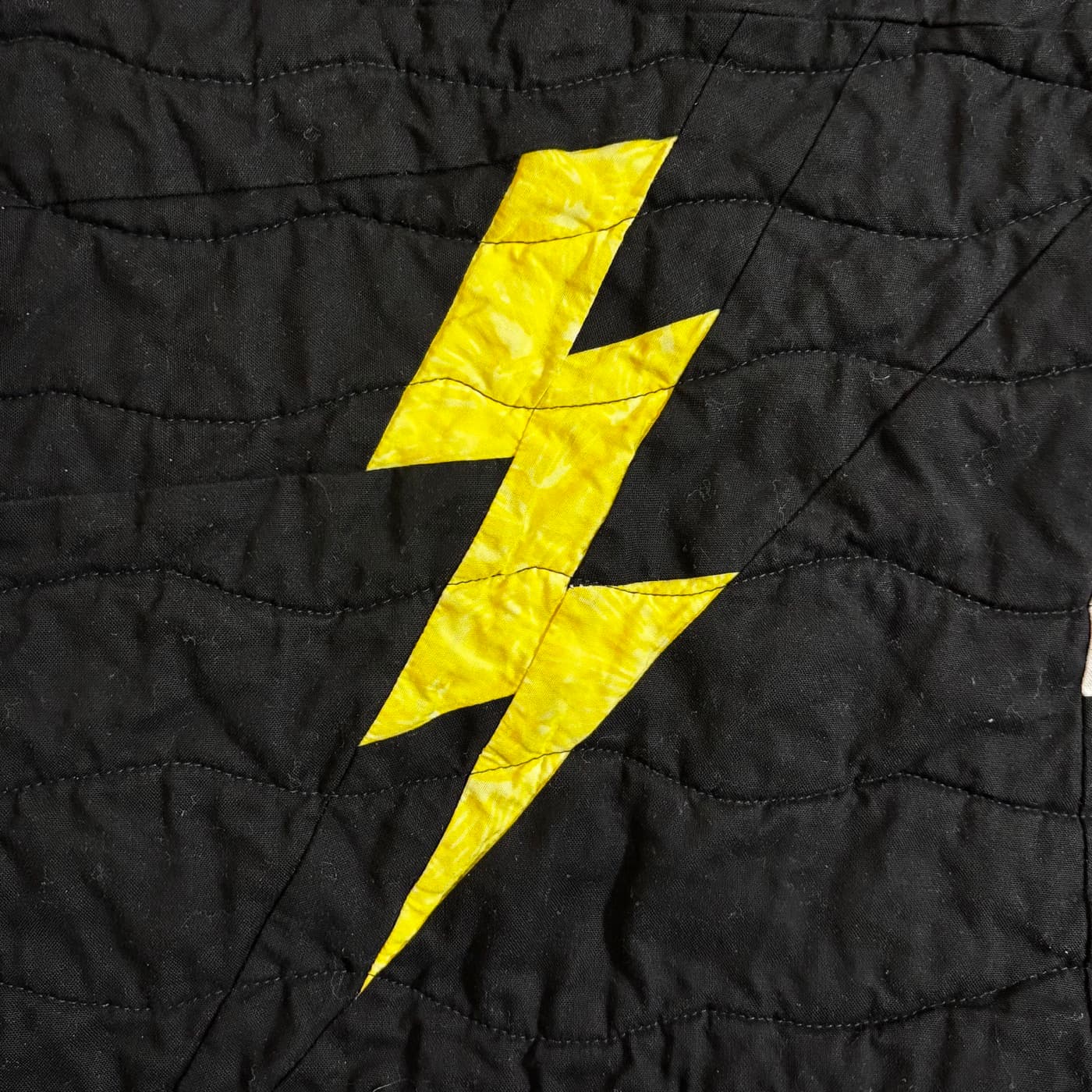
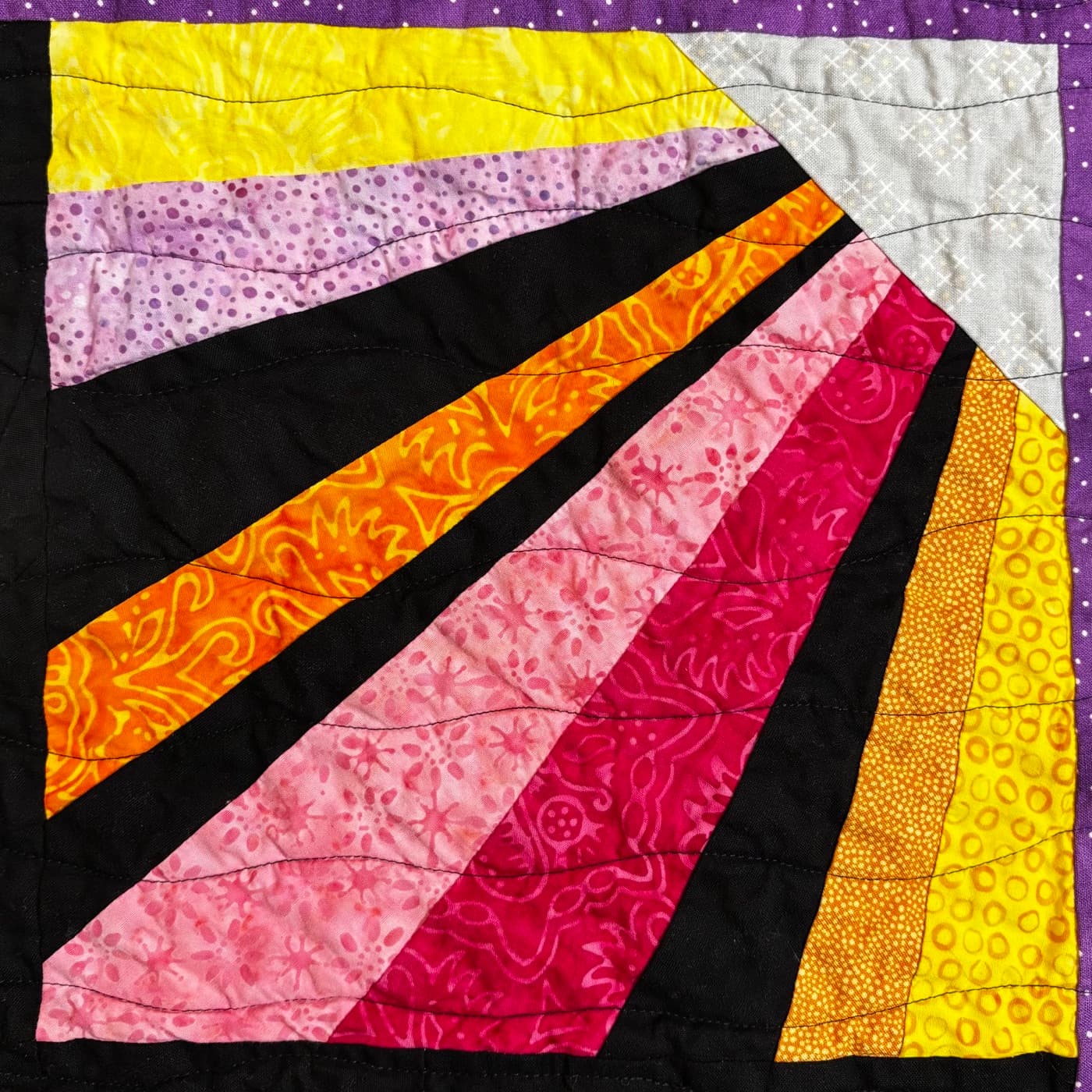
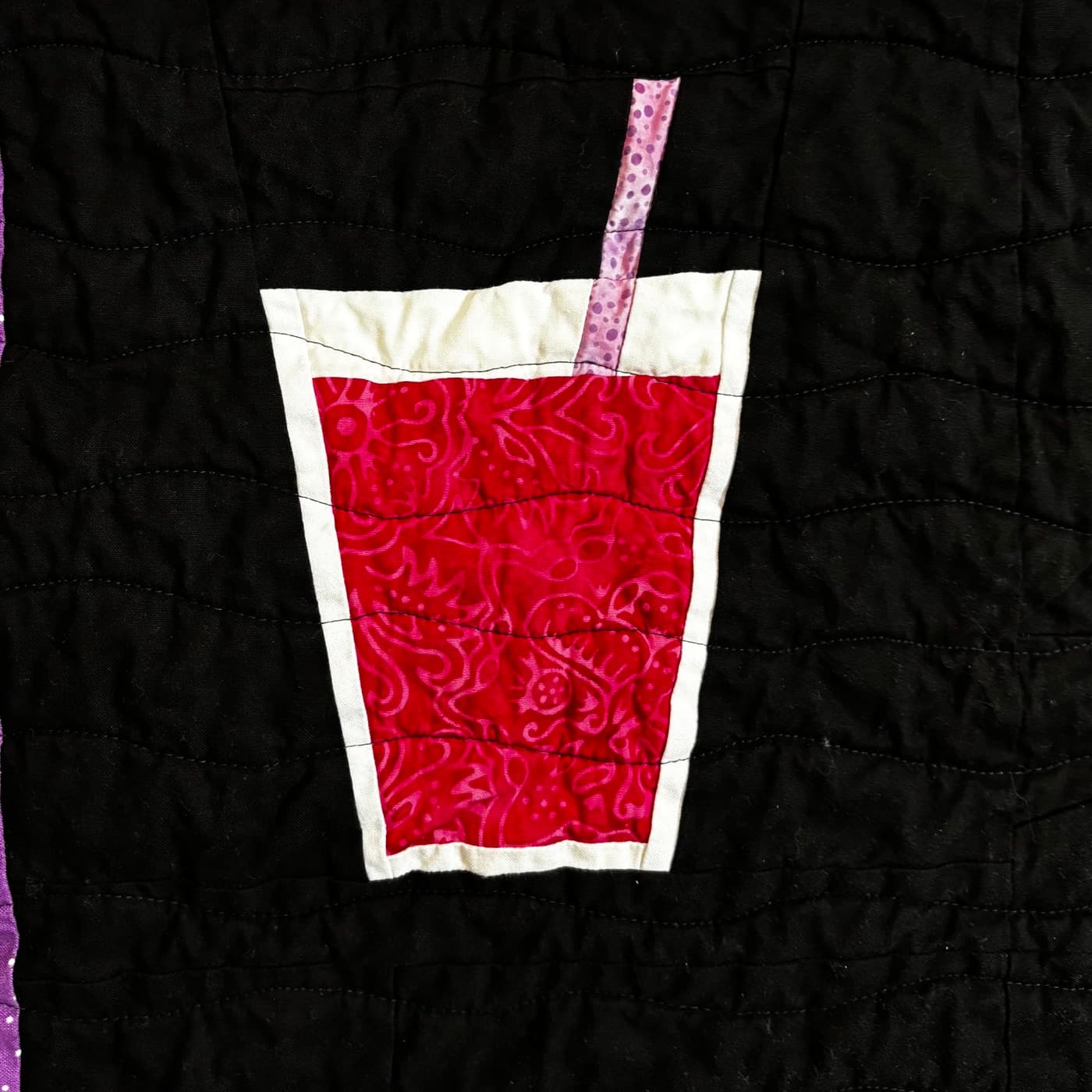
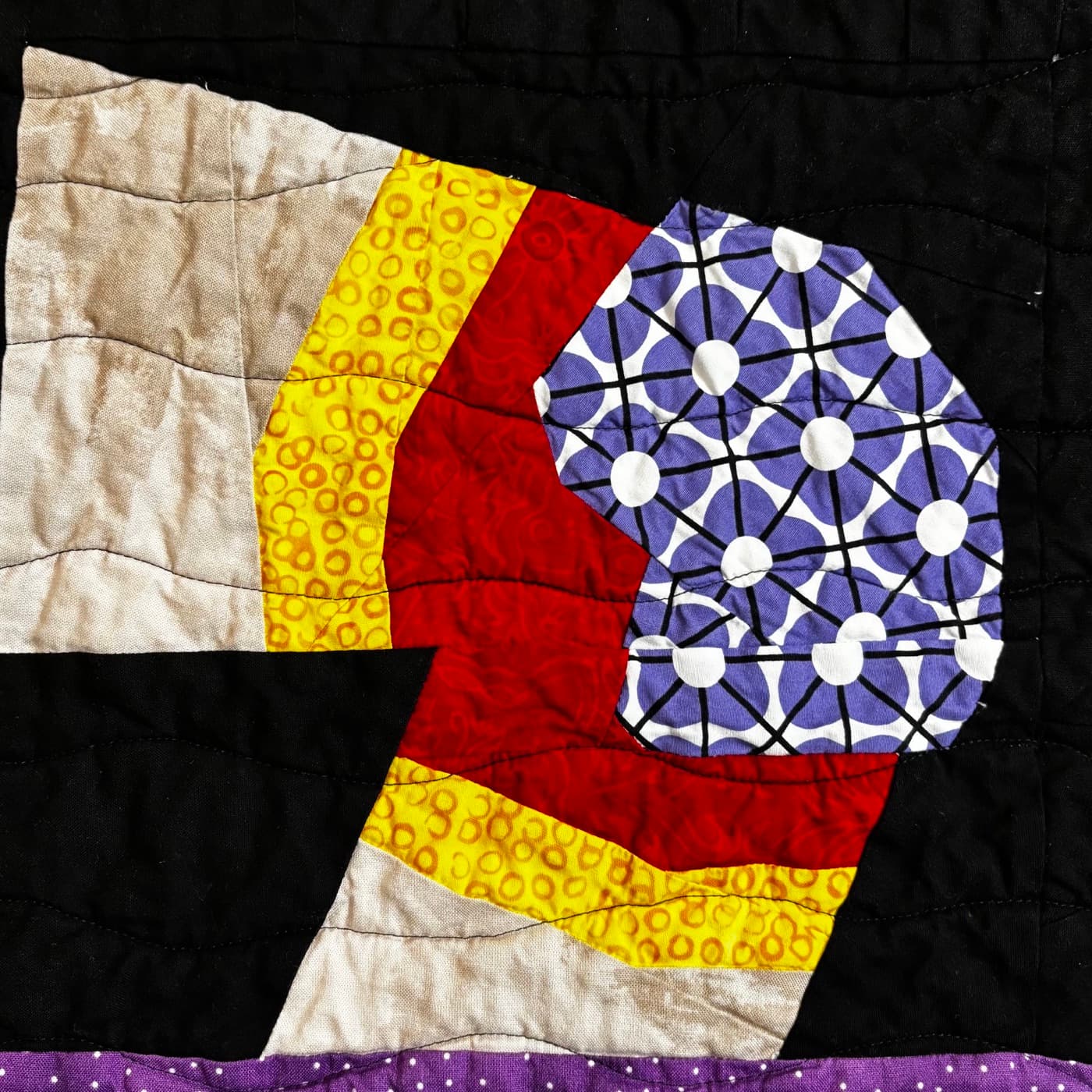
Real blocks designed in Piecework, then printed, pieced, and quilted by quilters and artists like Sylvia, Anna, and William.
From idea to foundation
Drag with Apple Pencil or a finger to draw a straight seam. It extends to the line it meets and snaps to seam ends, crossings, the grid, or 15° angles.
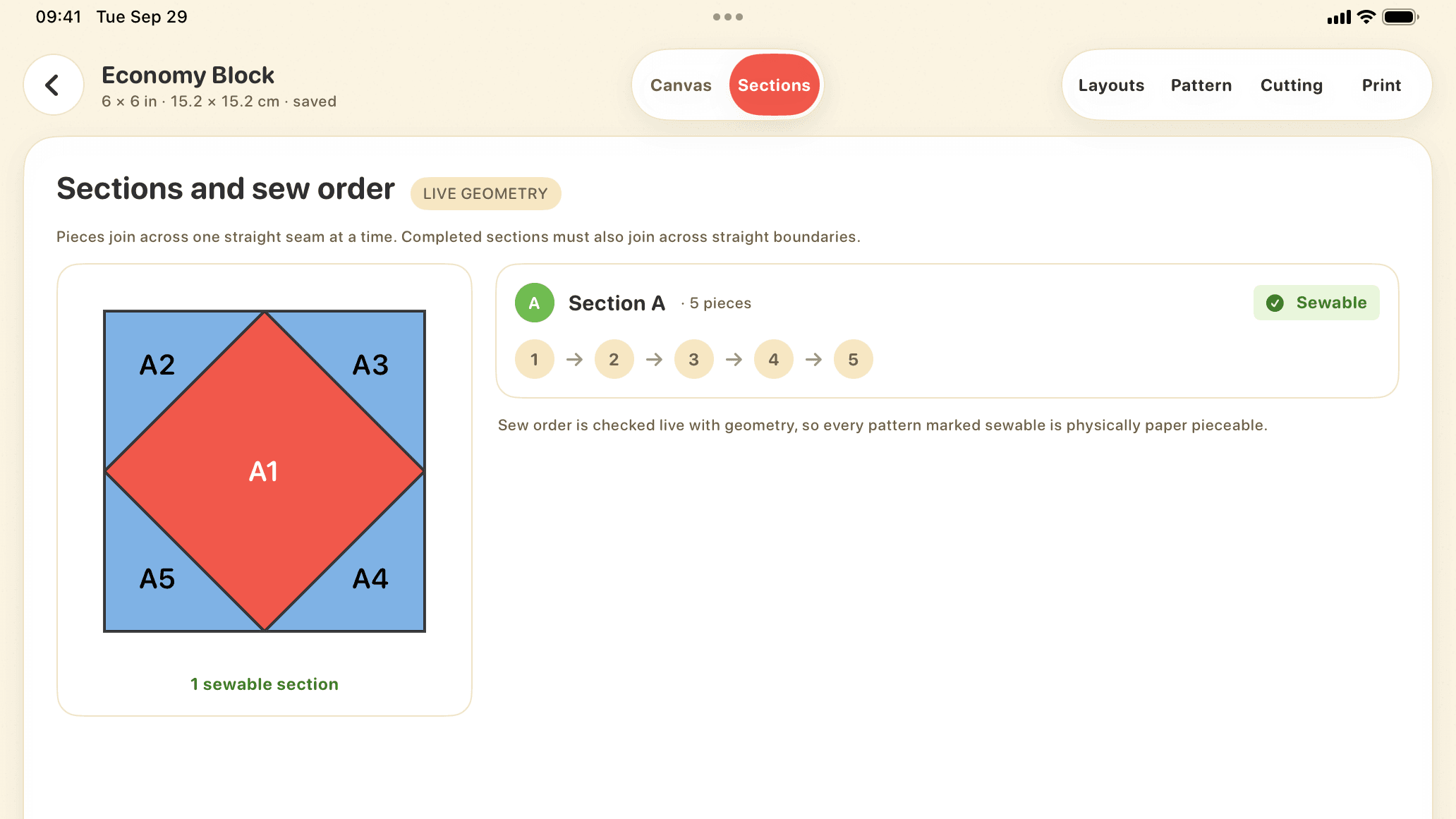
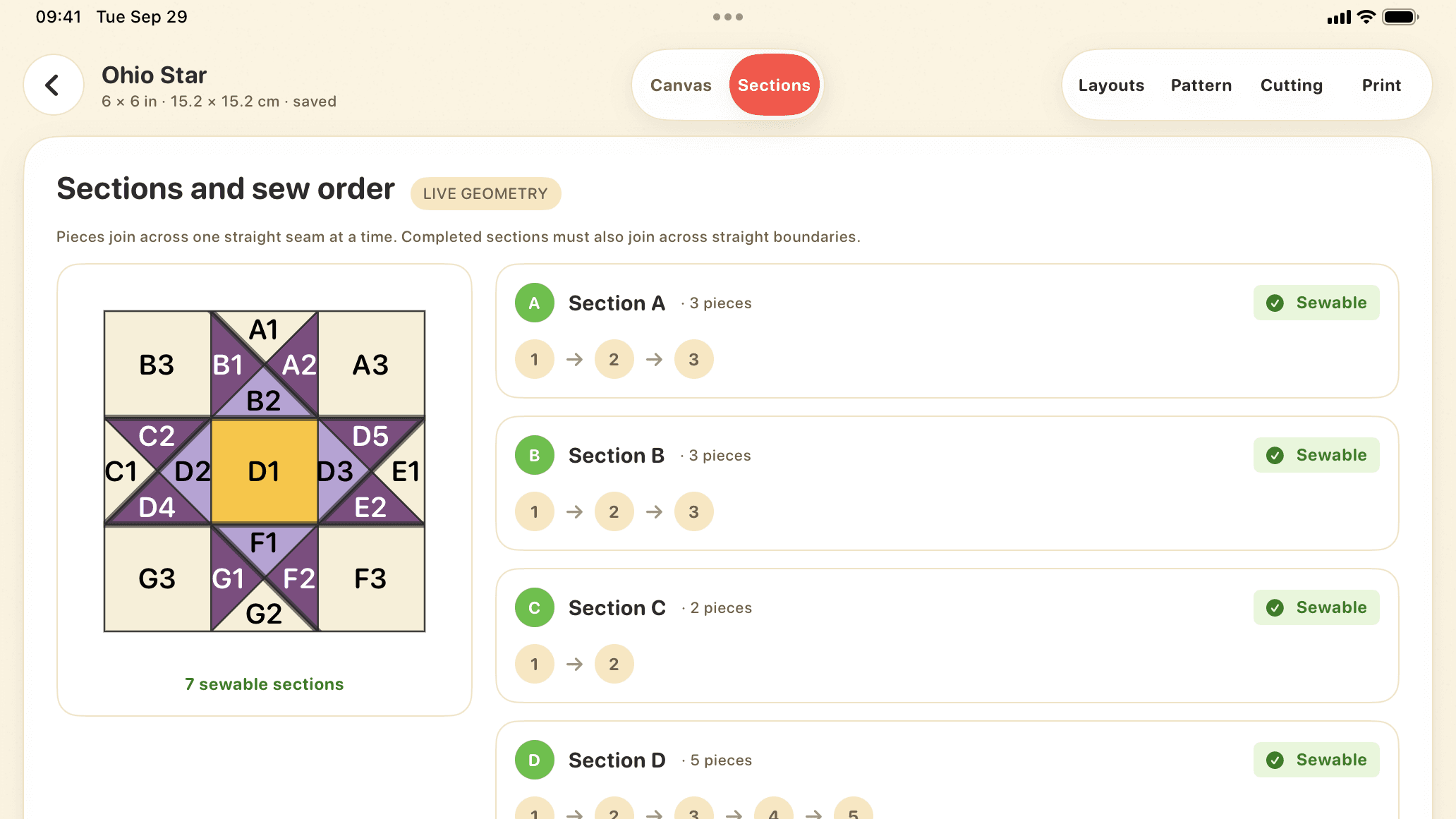
After every stroke, Piecework splits the block into sewable sections and numbers each piece in order: A1, A2, B1.
Share mirrored US Letter, A4, or copy-shop PDFs with seam allowance and a 1-inch calibration square.
Live sew-order validation
After every stroke, Piecework finds sections whose pieces can be joined one straight seam at a time, and checks that the sections join along straight seams too. Compare alternatives in Layouts, or use Scissors to choose which seam becomes a section boundary.
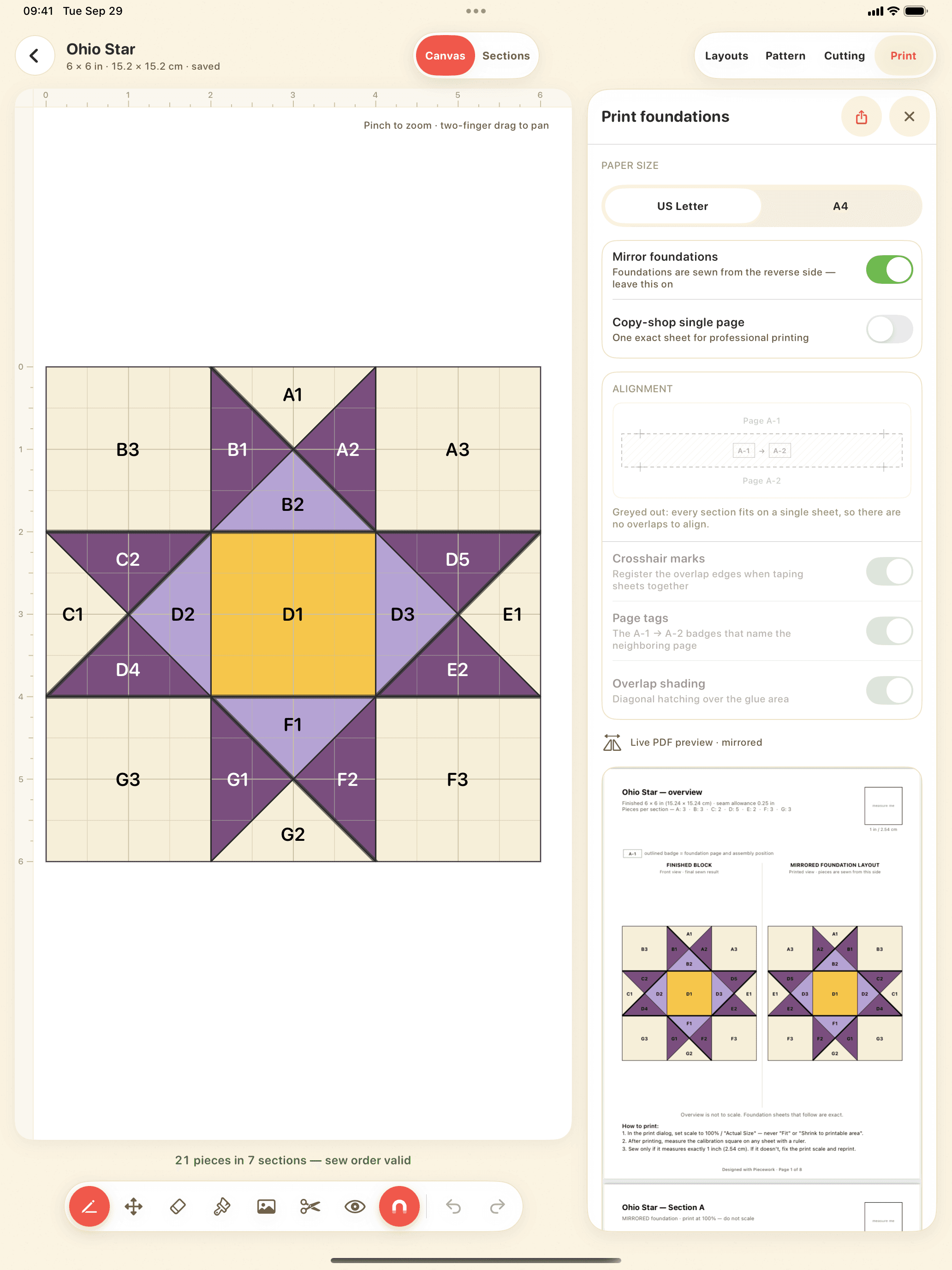
Print with confidence
Share mirrored US Letter or A4 foundations, or a single copy-shop sheet, with ¼ in, 6 mm, or custom seam allowance. Large sections tile across pages with alignment marks. Print at 100% or Actual Size and check the 1-inch square before sewing.
Supporting tools
Start from 13 traditional starter blocks, trace a reference photo, fill and name your fabrics, compare section layouts, and preview the finished block.
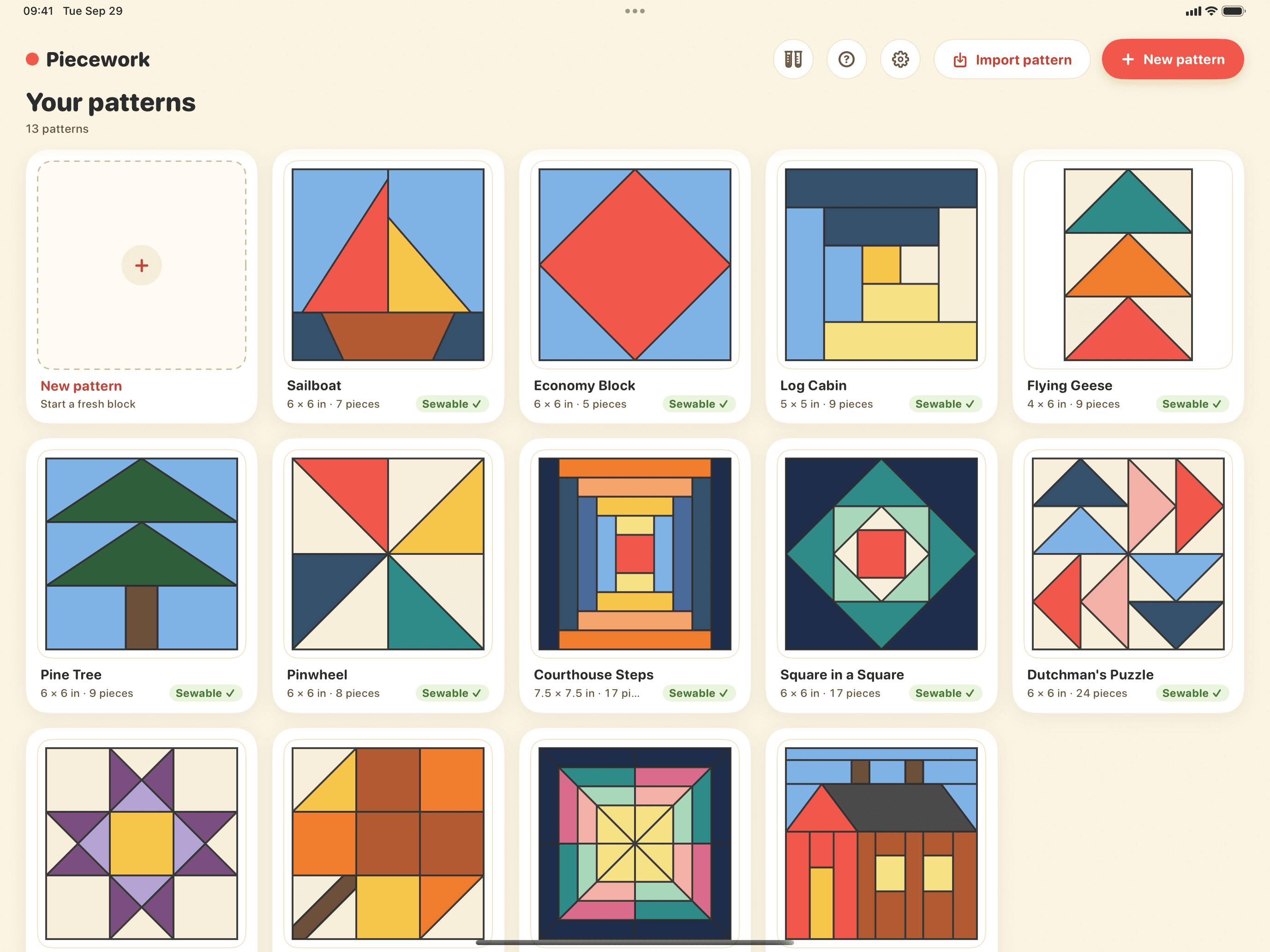
Open 13 traditional blocks, from Log Cabin to Ohio Star.
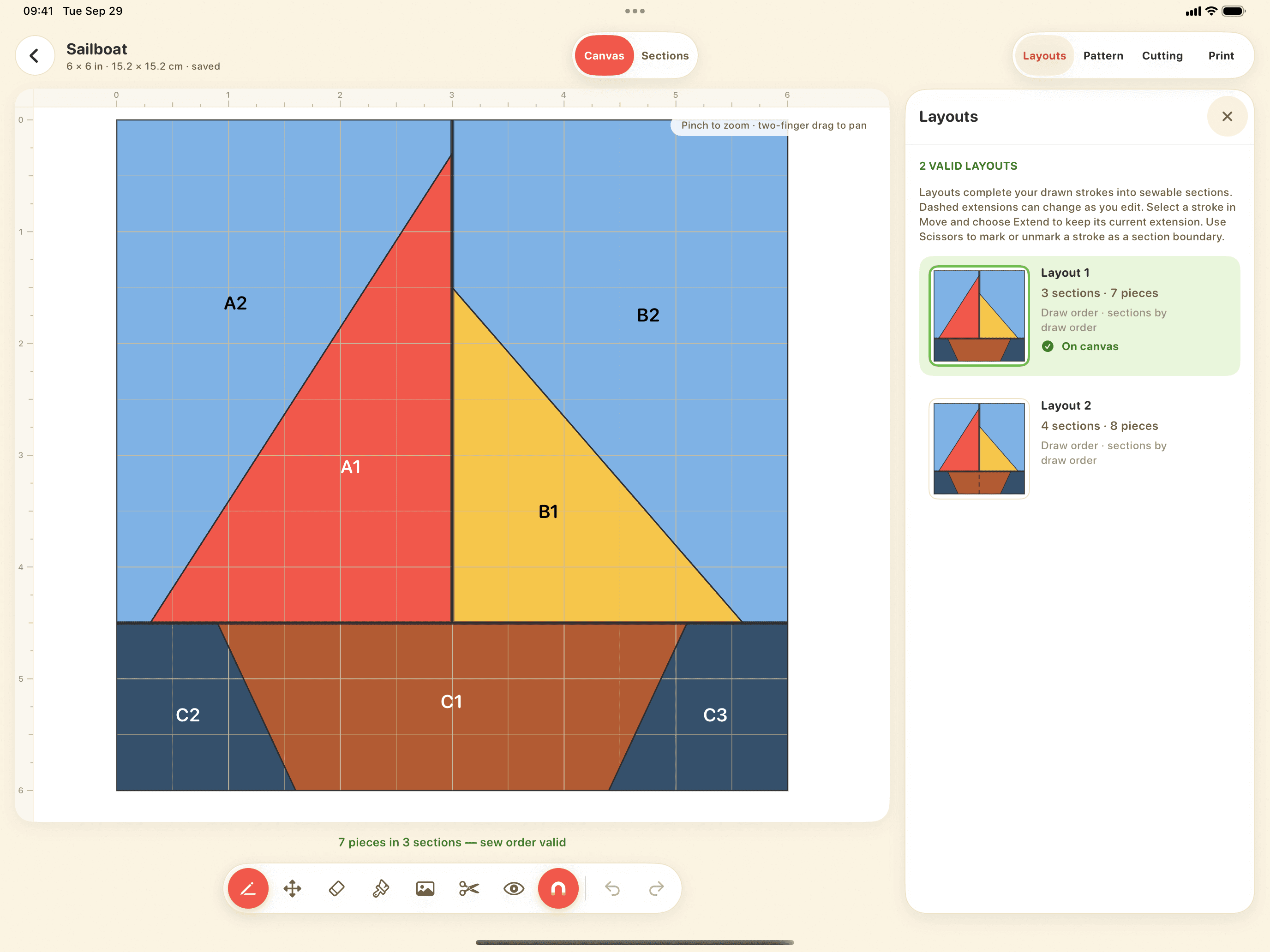
Compare the valid ways to split your block into sections.
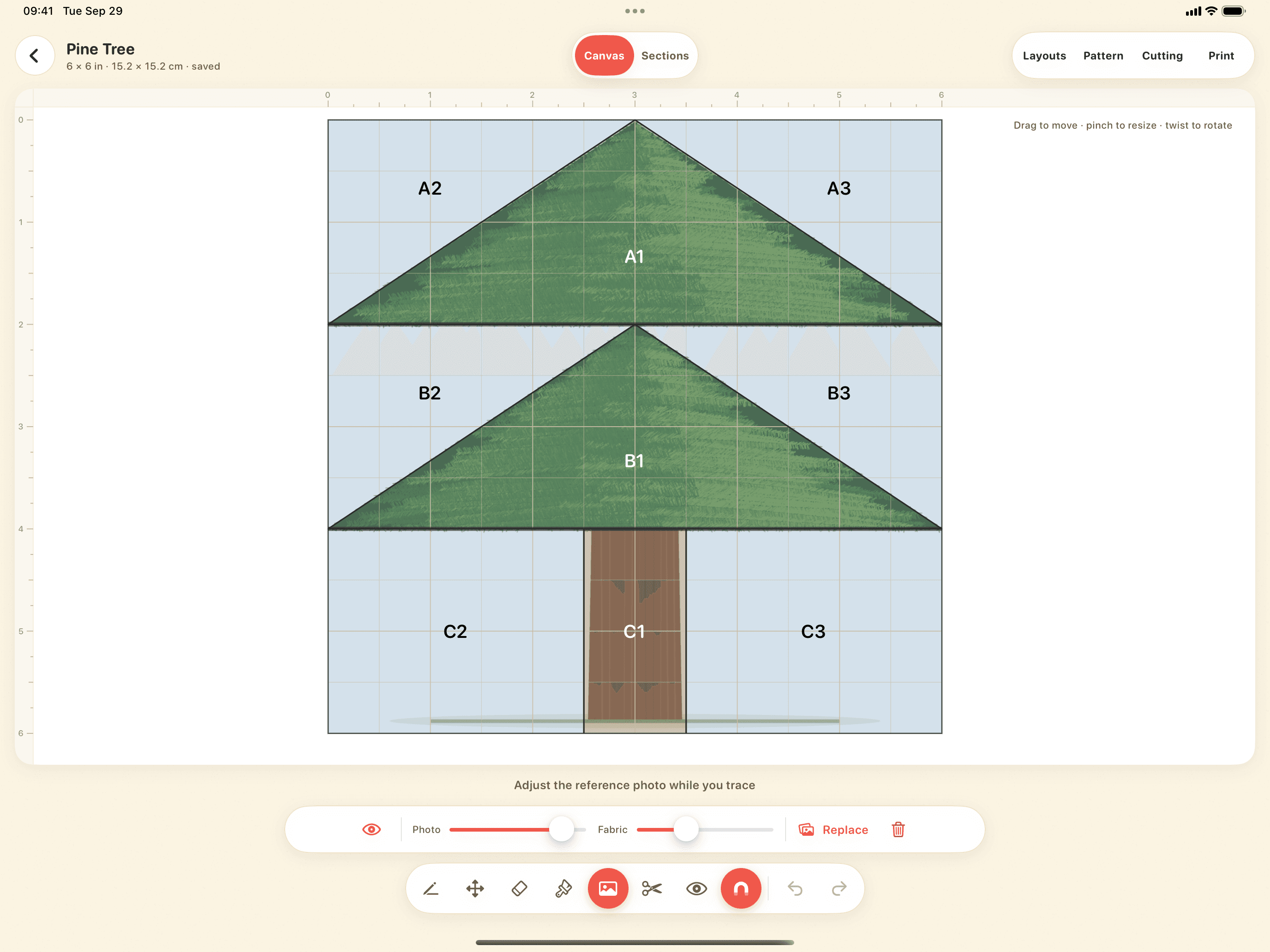
Trace a reference photo, and fade it or your fabrics to compare.
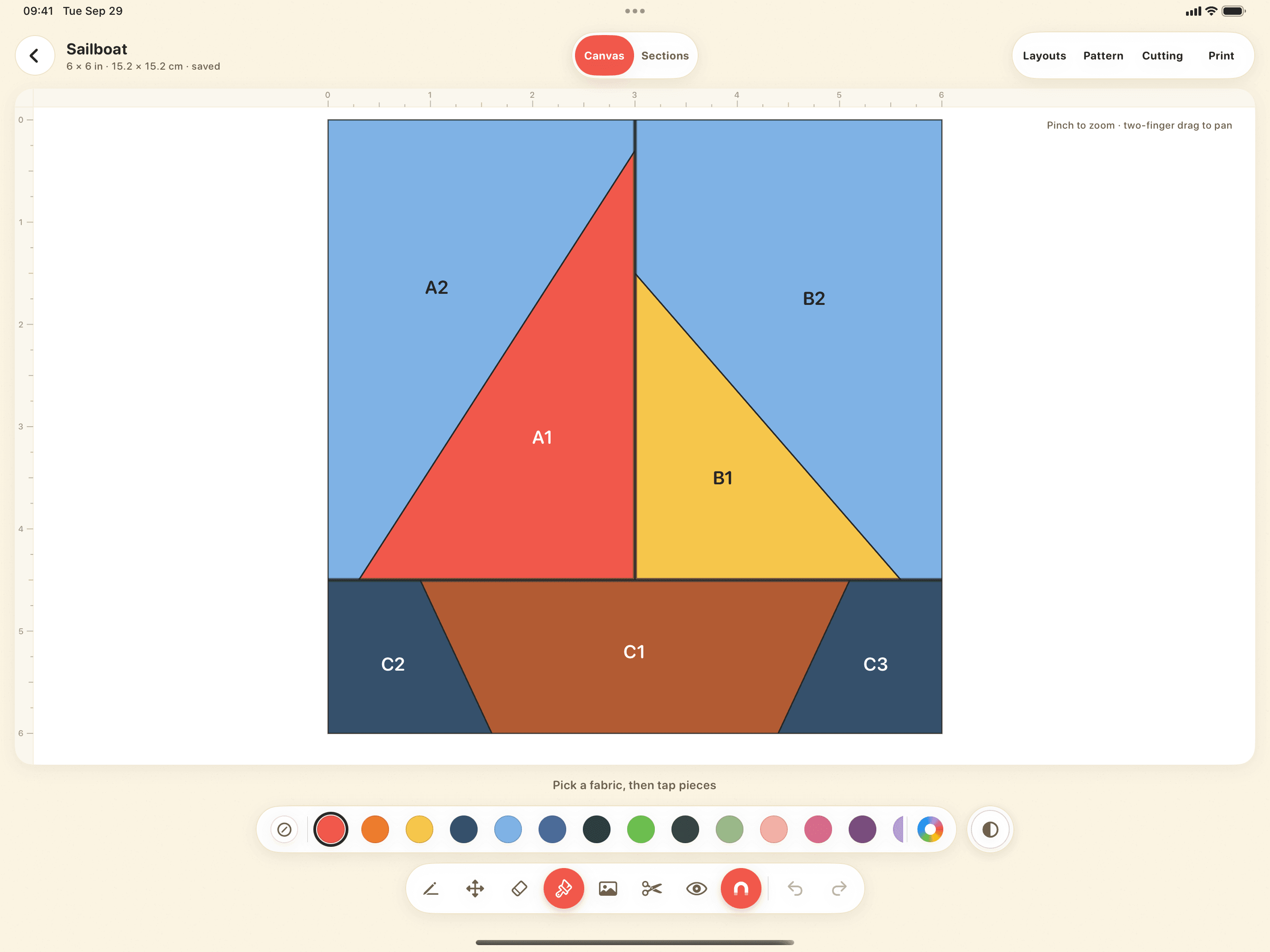
Color pieces, pick up colors from your photo, and name your fabrics.
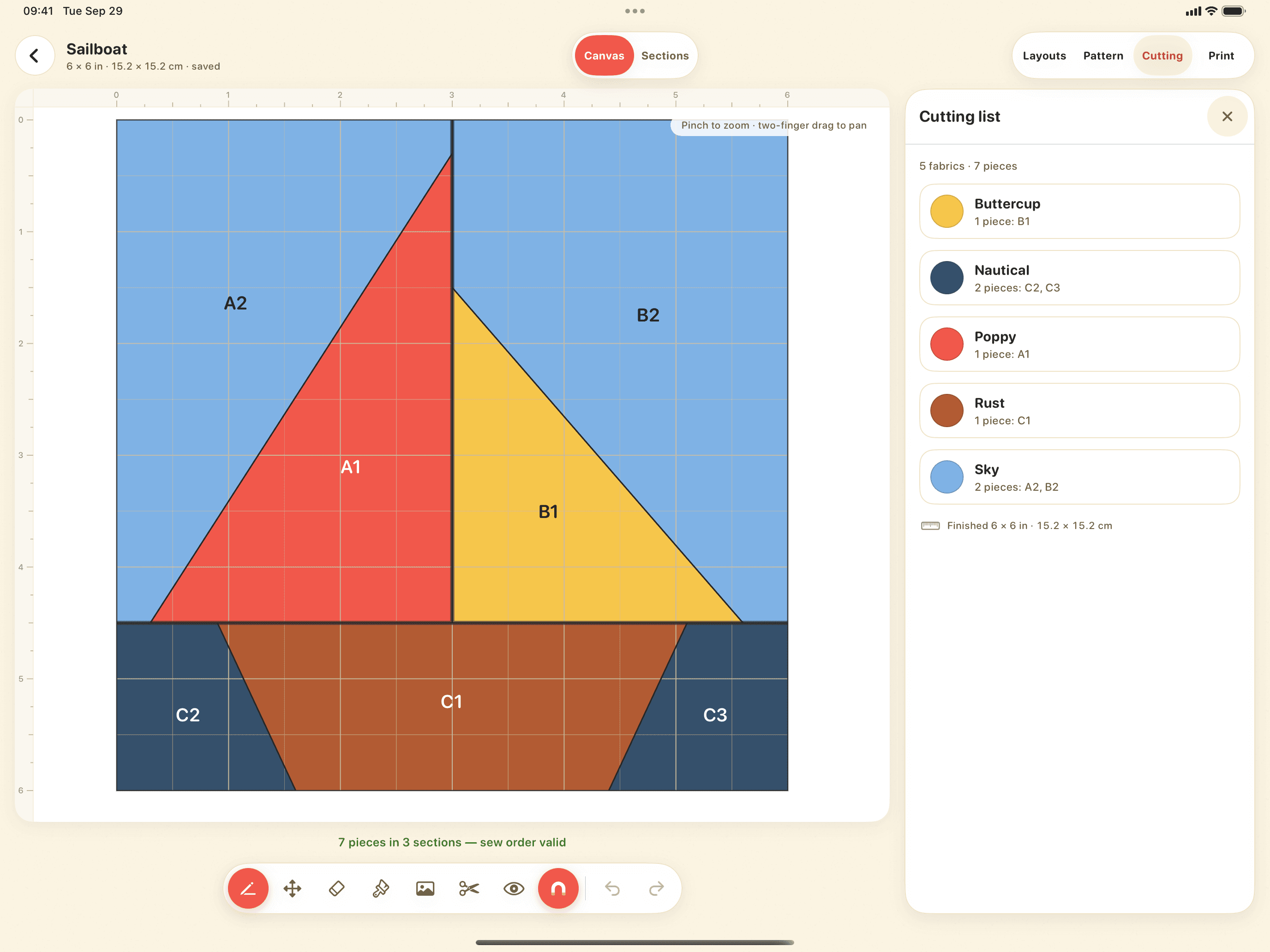
See which pieces use each fabric before you cut.
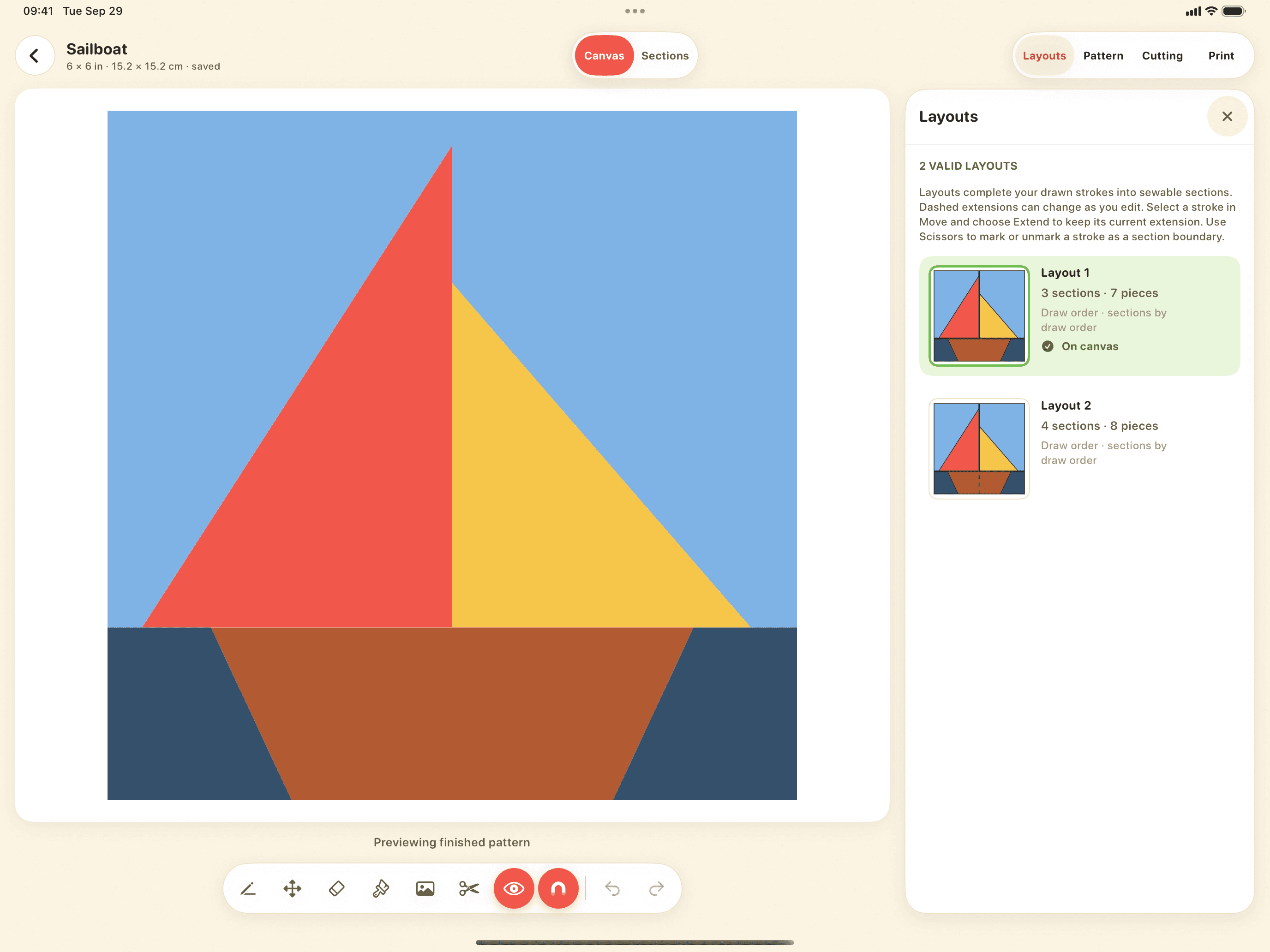
Hide seams, numbers, and grid to see the finished block.
Built with the Piecework community
Share what works, what gets in your way, and what you want next. We read every piece of feedback and use it to decide what to improve and build next.
Discord feedback channel
Tell us what feels great, what feels awkward, and what would make your next pattern easier. Your experience guides our priorities.
Join the feedback channelGood questions
No. Your first pattern is free, and a one-time lifetime unlock adds unlimited patterns, printing, and export. No account and no ads. Patterns stay on your iPad unless you export them, and the optional anonymous usage statistics can be turned off in Settings.
Enter your email and confirm it from your inbox. We'll contact you at that address when a spot becomes available.
Piecework is designed for iPadOS 18 and later. Apple Pencil is recommended for drawing, while the rest of the interface also supports touch.
A guided tutorial walks you through your first sailboat foundation. Piecework also includes 13 traditional starter blocks, from Log Cabin to Ohio Star and Schoolhouse, to explore for free and to edit and print with the lifetime unlock.
Choose a photo from your library, set its opacity, and trace over it. You can also fade your fabric colors over the photo to compare.
Piecework waitlist
Join the list and confirm your email. We'll let you know when a spot becomes available.